
One clarification first, because "keyword monitoring" means two different things. This is not rank tracking — it will not tell you where you sit in Google for a search term. It is a filter on page-change alerts: you choose a page, an area of that page, and a word or phrase, and you are told only about changes containing it. On pages that rewrite themselves constantly — job boards, press rooms, changelogs — that turns an unusable firehose into an alert you read.
How the matching works
The monitor first compares your selected area against the previous check and works out what changed. The keyword filter is then applied to that changed content, element by element: a change is kept only if its text contains your keyword, and the alert fires only if something survives.
So a keyword already sitting on the page that has not changed triggers nothing — the filter narrows changes, it does not search the page. It works in both directions, catching the phrase arriving and the phrase disappearing. Type it exactly as it appears on the page.
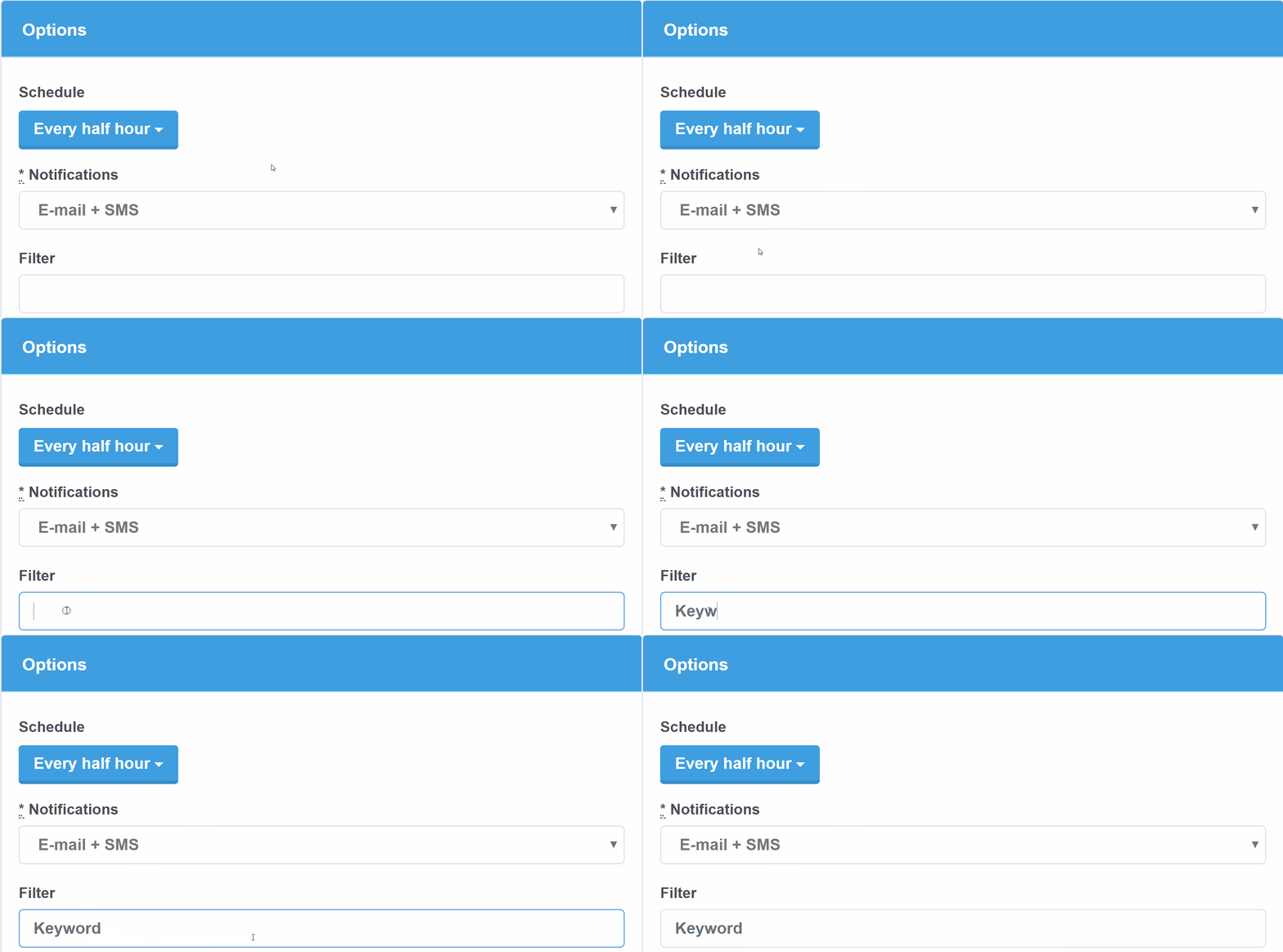
A competitor's pricing page, filtered to one plan
Pricing pages are edited often and mostly cosmetically: a testimonial rotates, a badge moves, an FAQ answer is reworded. Watch the competitor's public pricing page, select the plan grid with the testimonial strip and promo banner excluded, and filter on the tier name — "Enterprise", or whichever plan competes with yours. Once a day is enough, since pricing changes are deliberate and stay in place. You hear nothing until that word appears in or vanishes from a changed row: a new tier, a rename, a feature moved between plans.
A press or newsroom page, filtered to a company name
Watch the company's press release index, or the news section of a trade publication that covers your market. Select the list of headlines and exclude sidebars and "most read" rails, which reshuffle on their own. Filter on the company name, the acquisition target, the regulation, or the product line you track. Once or twice a day suits a corporate newsroom; hourly if you are following a fast-moving story. The headline text arrives in the alert, so you can judge whether to open it.
A public social page, filtered to a topic
Use a public, logged-out profile or company page — one that loads in a private browser window. If the content only appears after signing in, this will not work, and Preview tells you in ten seconds. Select the posts list and filter on the product, location, or topic you care about, and a general stream becomes a narrow feed. Daily is enough for most accounts. Some networks restrict automated access, so a page that loads today may not next month; Preview is the test.
A job board page, filtered to a role title
This is the highest-value use of a keyword filter, because job boards change every day and almost none of it concerns the role you want. Apply the company, location, and department filters on the board first, then monitor the resulting search URL rather than the board's home page. Select the results list, excluding the result count and "posted 2 days ago" timestamps, and filter on the role title as employers write it — "Product Manager", "Staff Engineer". Check hourly if you are actively looking; competitive roles collect applications within a day.
Worked walkthroughs: Greenhouse, LinkedIn job postings, Grants.gov opportunities, and SEC EDGAR filings.
A changelog or docs page, filtered to a feature name
A changelog is a busy page by design: every release adds entries, and you care about one subsystem. Watch the vendor's changelog or the docs page for the API you depend on, select the entry list, and exclude version headers and dates if they are the only thing moving. Filter on the endpoint, feature, or parameter name — "webhooks", "rate limit", the field your integration reads. Daily is right, since the point is to catch a deprecation before it bites rather than within the hour. The GitHub releases guide follows the same pattern for projects that ship through releases.
When not to use a keyword
Narrowing has a cost: anything phrased differently from your keyword passes silently. A role posted as "Product Lead" when you filtered for "Product Manager" never reaches you. On a page where every change matters — one product's price, a short policy document, a single listing's availability — leave the filter empty and rely on a tight area selection instead. See how to monitor a website for changes for that technique, which does more work than the keyword on most pages.
Put keyword monitoring into practice
Add the page, select the area, type the phrase, check the preview. Alerts arrive by email, or through Zapier, IFTTT, a webhook with API access enabled, if you would rather they land in Slack or a spreadsheet. The free plan covers two pages checked once a day — enough to find out whether your keyword catches what you expected.
Try it on a page you already check by hand
Pick the page you refresh most often, select the part you actually read, and add the one word that makes it worth an email.
More setups in the monitoring guides.